

Where to find prompt galleries
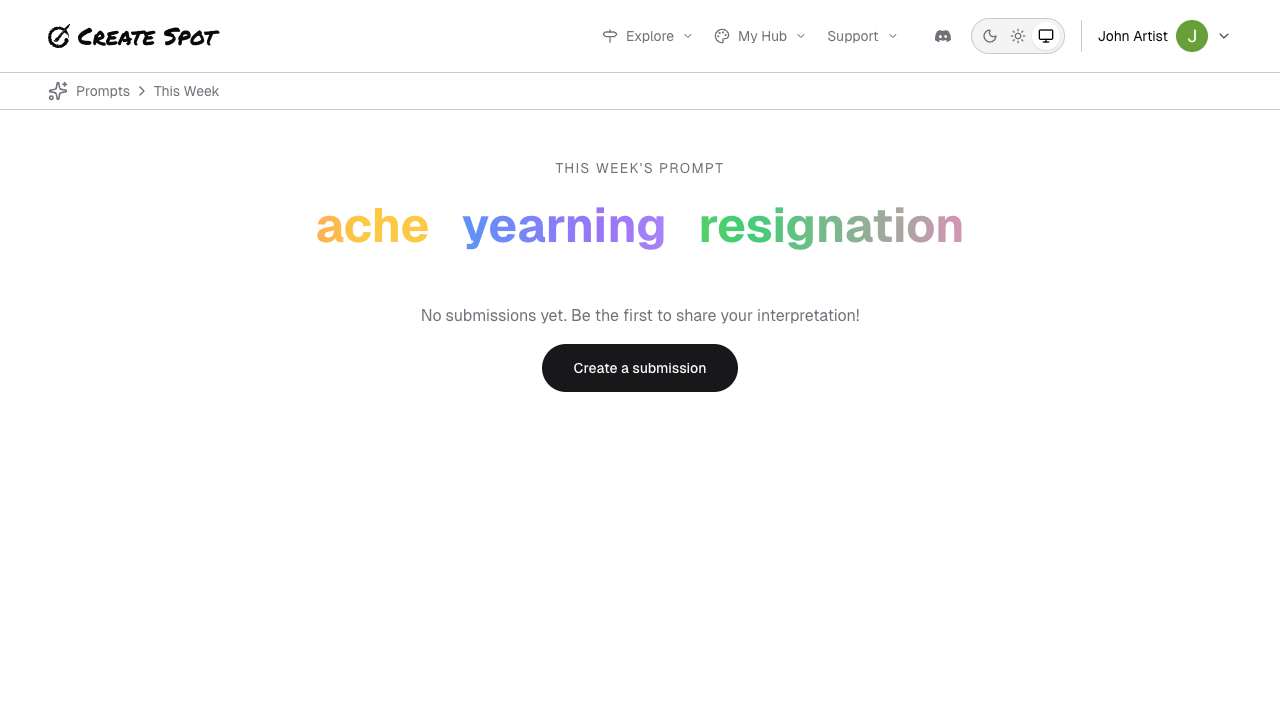
- Inspiration or Prompts — Open the current or a past prompt. You’ll see a gallery (often grid) of submissions.
- Current week — The active prompt is usually highlighted on the home page or in Play/Inspiration.
What you’ll see
- Grid or list of pieces — Each card or row is one submission: image (if any), title/caption, and creator. Click or tap to open in lightbox or on a detail page.
- Creator links — From a piece you can go to the creator’s profile to see more of their work.
- Reactions and comments — If the app supports them, you can like or comment (when signed in). See Getting feedback for your work from a creator’s perspective.