

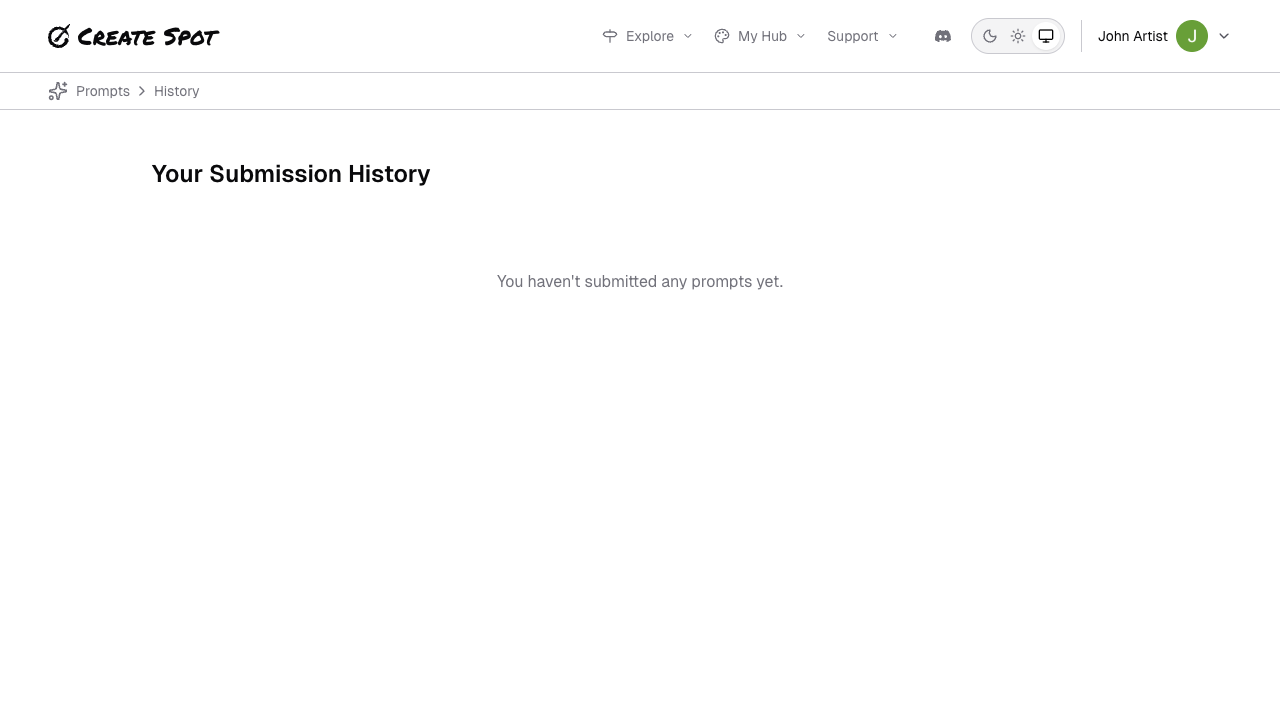
Where to find it
- Inspiration or Prompts — Look for “My submissions,” “My prompt history,” or “History.”
- Profile / Portfolio — Your portfolio lists all your submissions; some views let you filter or group by prompt or week.
What you’ll see
- For each prompt (or week), you’ll see the three-word prompt and the piece you submitted (if any).
- You can open a piece to view it full size, edit it (if allowed), or remove it. See Working with your submissions.
Uses
- Review your work — See how you’ve responded to different prompts over time.
- Edit or remove — Fix or delete a past submission if the app allows.
- Revisit prompts — Get ideas from past themes for future work.