

Welcome to Create Spot. As a creator you can add work to your portfolio, control how each piece is shared, and connect with others in the community.Documentation Index
Fetch the complete documentation index at: https://help.create.spot/llms.txt
Use this file to discover all available pages before exploring further.
First steps
- Sign in with your account (e.g. Google).
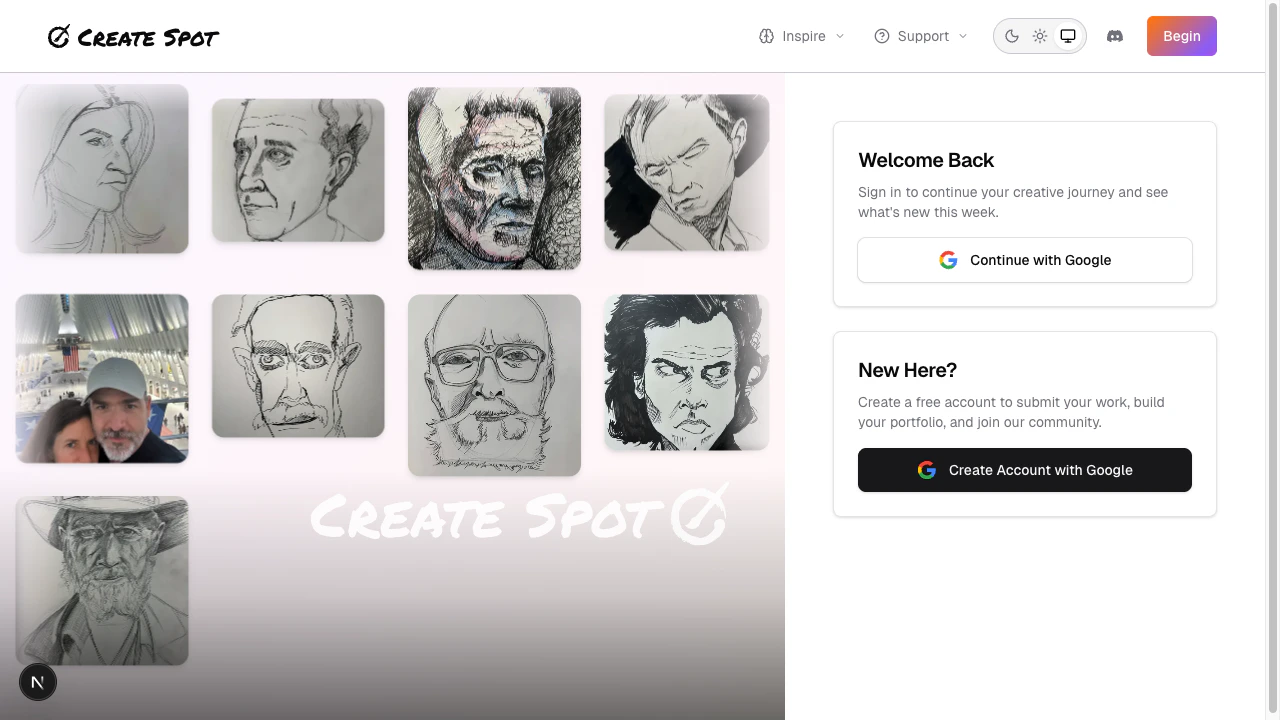
- Complete your profile — Add a bit about yourself and how people can find you. See Building your profile for details.
- Set up your space — Choose a featured piece, protections, and language. See Setup your space.
- Build your portfolio — Add or edit pieces from your portfolio editor. See Building your portfolio and Working with submissions.
Your Dashboard
After signing in, your Dashboard is your creative hub — a quick overview of your activity and the community.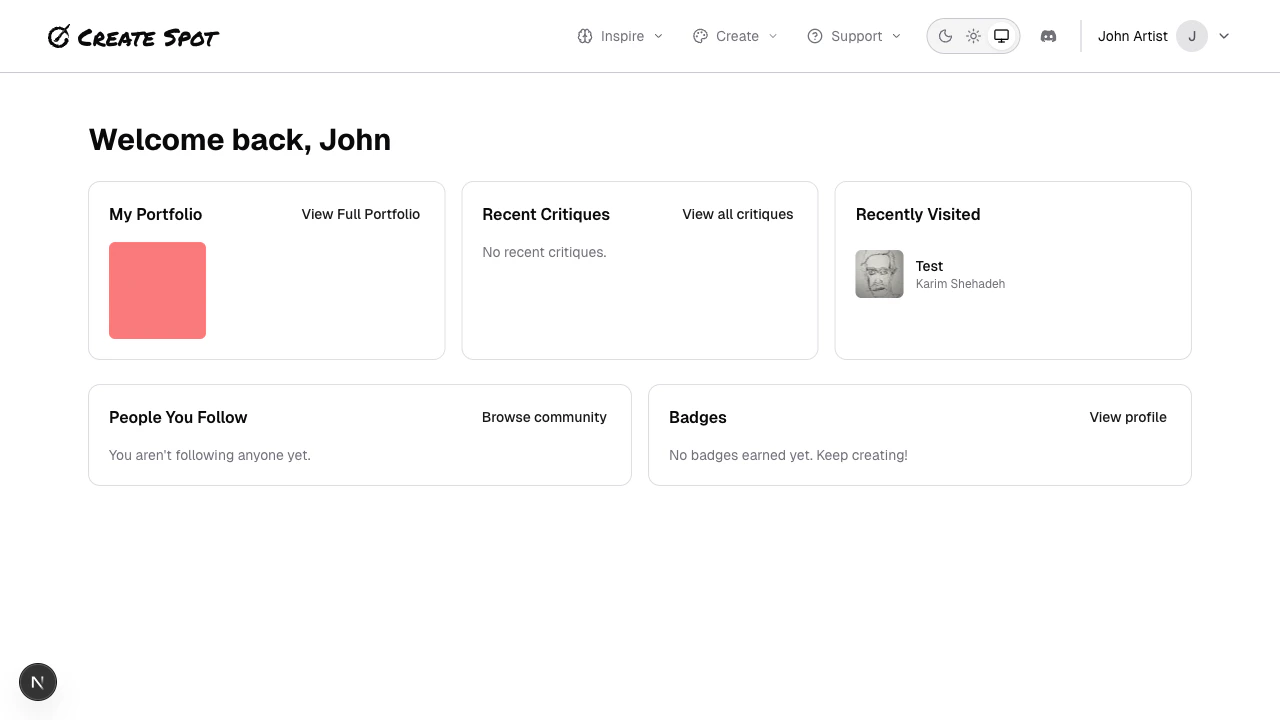
| Section | What it shows |
|---|---|
| My Portfolio | Your recent portfolio items. Work in Progress (WIP) submissions appear with a dashed border and amber “WIP” badge. Click any item to view or edit. |
| Recent Critiques | Feedback you’ve received on your work from other creators. |
| Recently Visited | Submissions and profiles you’ve browsed recently. |
| People You Follow | Updates from creators you’re following. |
| Badges | Achievements you’ve earned for participating in the community. |
Work in Progress in your Dashboard
When you mark a submission as Work in Progress, it shows in your dashboard with:- A dashed border instead of solid
- An amber WIP badge in the corner
- The latest progression image as the thumbnail (if you have progressions)
Next
- Building your profile — Profile info, visibility, and badges.
- Building your portfolio — Submissions, feedback, and organizing your work.