

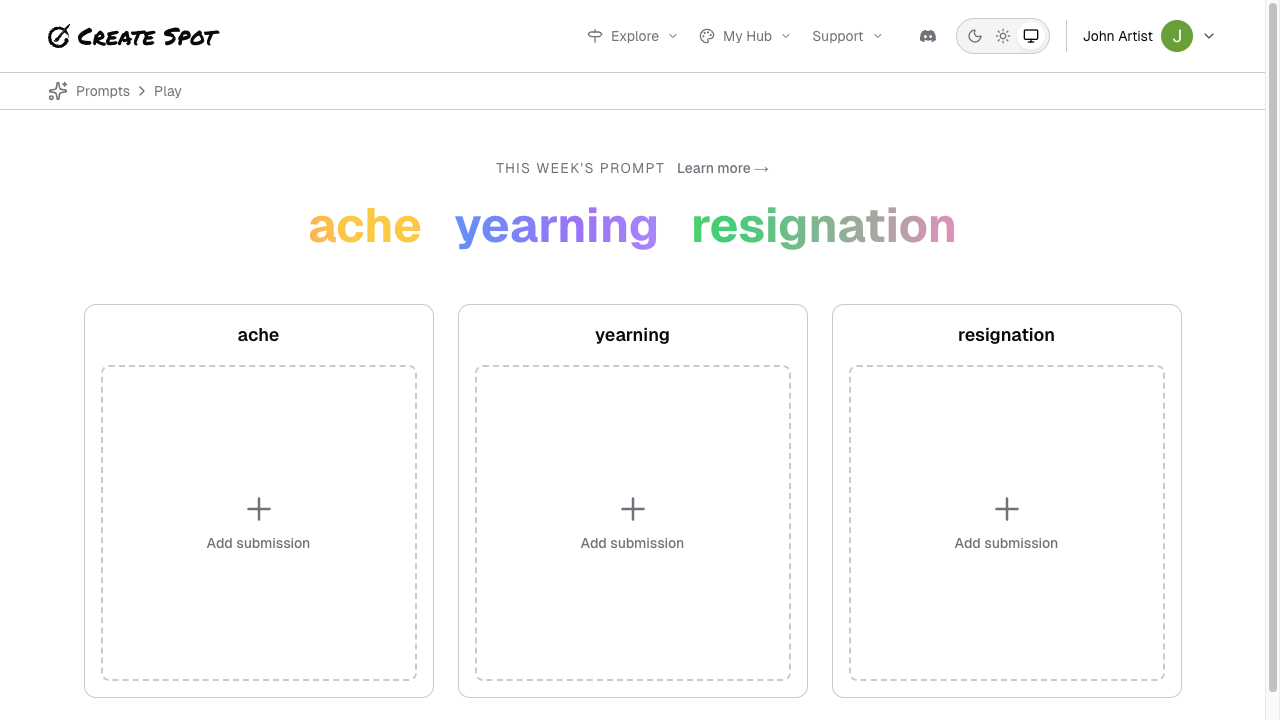
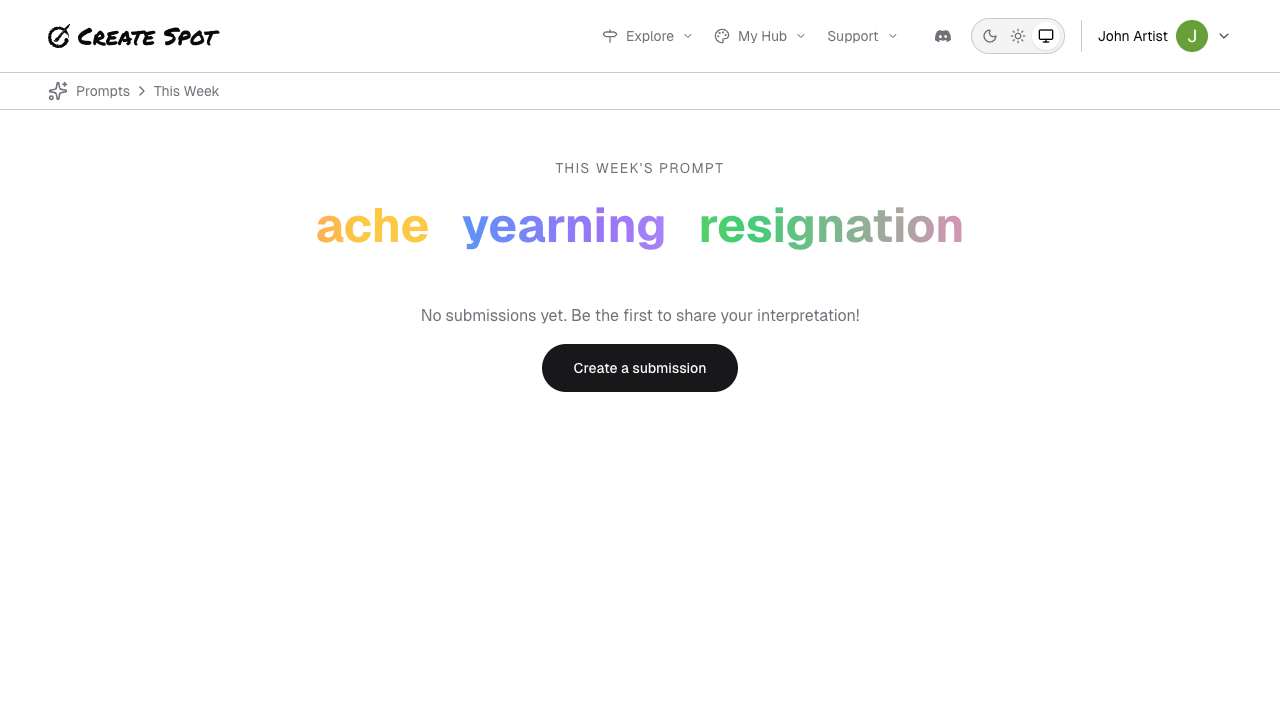
Steps to submit
- Find the current prompt — Go to Play, Inspiration, or the current week’s prompt from the home or nav.
- Choose “Submit” or “Add your work” — You may be asked to sign in if you aren’t already.
- Add your piece — Upload an image and/or enter text as the form allows. Add a title or caption if you want.
- Submit — Confirm; your submission is saved and linked to that prompt and your profile.
Rules and limits
- You can usually submit one piece per prompt (or per prompt per week). If you need to change it, use Edit on that submission before the prompt closes, if the app allows.
- Current week only — Submissions are typically accepted only for the active prompt. Past prompts are view-only.
- Content guidelines — Follow the app’s content policy. Inappropriate content may be removed.