

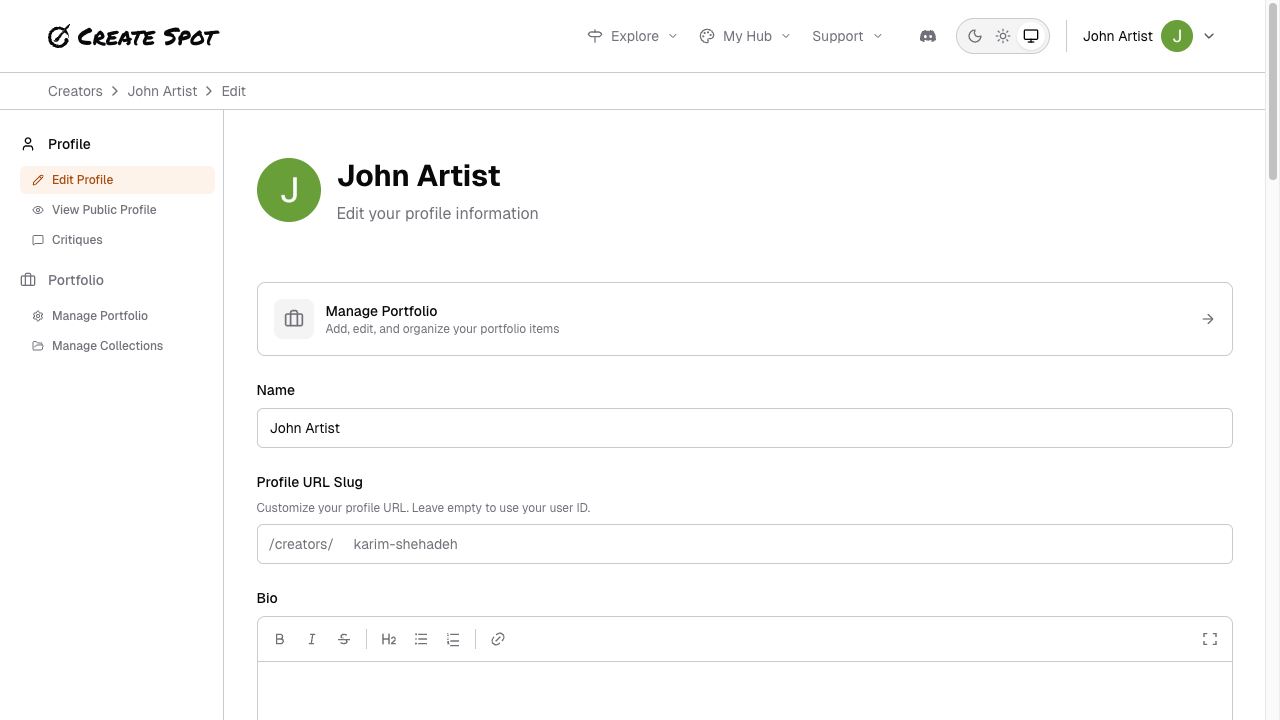
Your profile can include a short description and links so visitors can learn about you and find you elsewhere. Edit your bio and links in the Profile editor (Profile → Edit profile from the menu).Documentation Index
Fetch the complete documentation index at: https://help.create.spot/llms.txt
Use this file to discover all available pages before exploring further.
What to add
- Bio or about text — A few sentences about you and your work. This appears on your public profile.
- Links — Website, social profiles, or other places people can find you (e.g. portfolio, Instagram, Twitter). Add only what you’re comfortable sharing publicly.
Where it appears
This information is shown on your public profile page when your profile is set to public. See Public vs. Private Profiles for visibility options.Tips
- Keep your bio concise; you can always expand it later.
- Use working links; broken links can be removed or updated in profile settings.