

The Community page lets you see who follows you, who you follow, and manage blocked users. Open it from the menu (top right) → My Hub → Community.Documentation Index
Fetch the complete documentation index at: https://help.create.spot/llms.txt
Use this file to discover all available pages before exploring further.
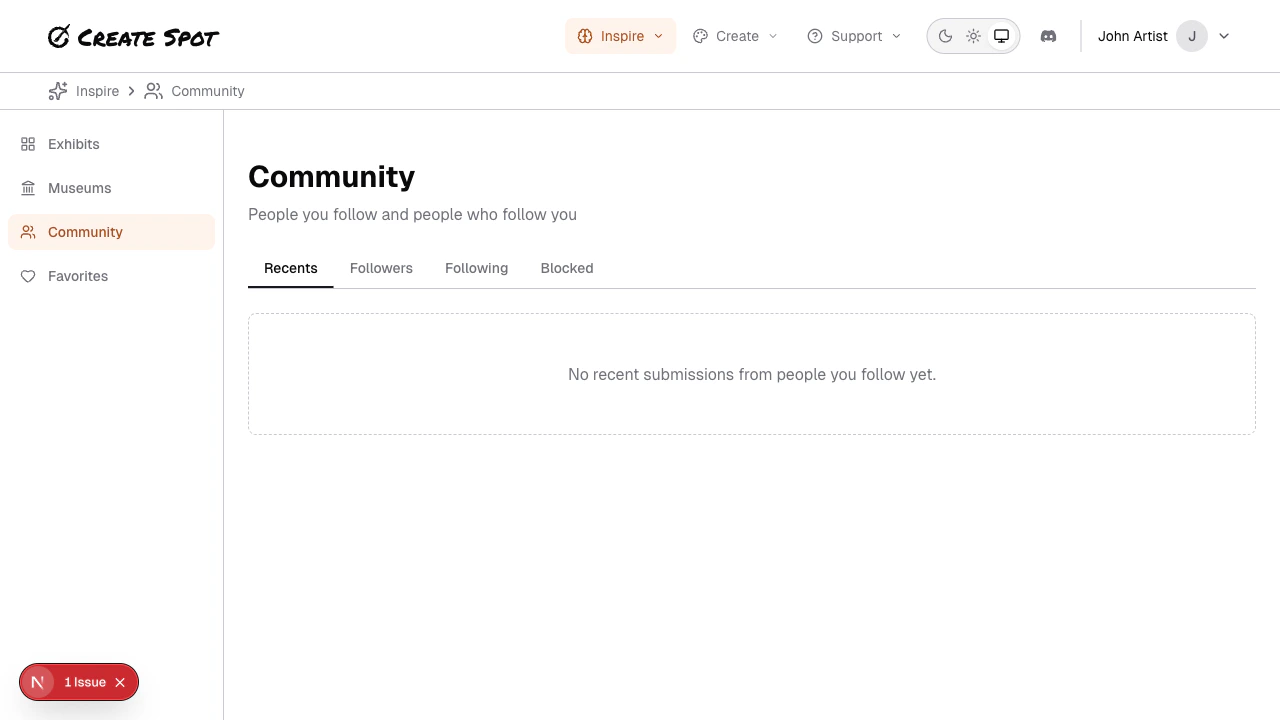
What’s on the Community page
- Followers — People who follow you. You can block anyone from this list.
- Following — Creators you follow. Unfollow anytime from this list.
- Blocked — People you’ve blocked. You can unblock them here.
Topics
- Followers and following — How to follow creators, see who follows you, and control email notifications.
- Blocking — Block and unblock followers.
Related
- Setup your space — Profile settings including email preferences for when someone follows you or when people you follow post new work.