

In Map view (sometimes called Path view), an exhibit’s pieces are arranged in a spatial or path-based layout. You move through the exhibit by following the path or exploring the map; each stop is a piece.Documentation Index
Fetch the complete documentation index at: https://help.create.spot/llms.txt
Use this file to discover all available pages before exploring further.
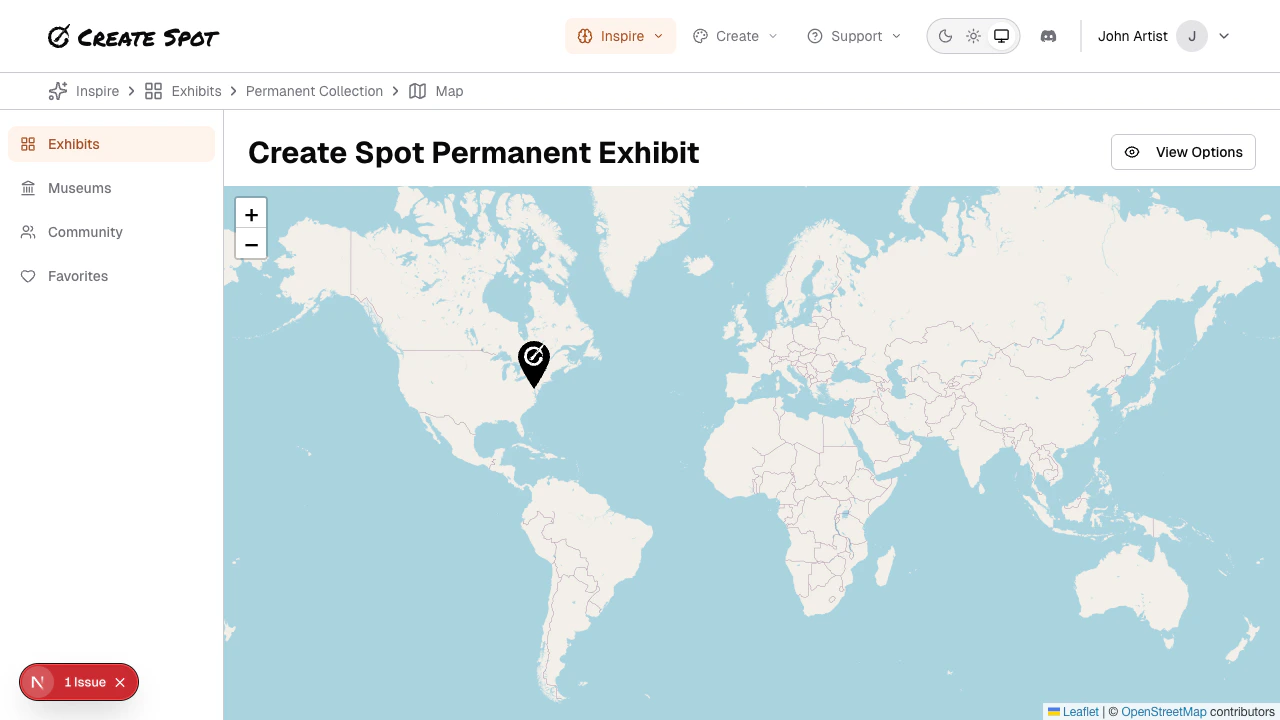
How it works
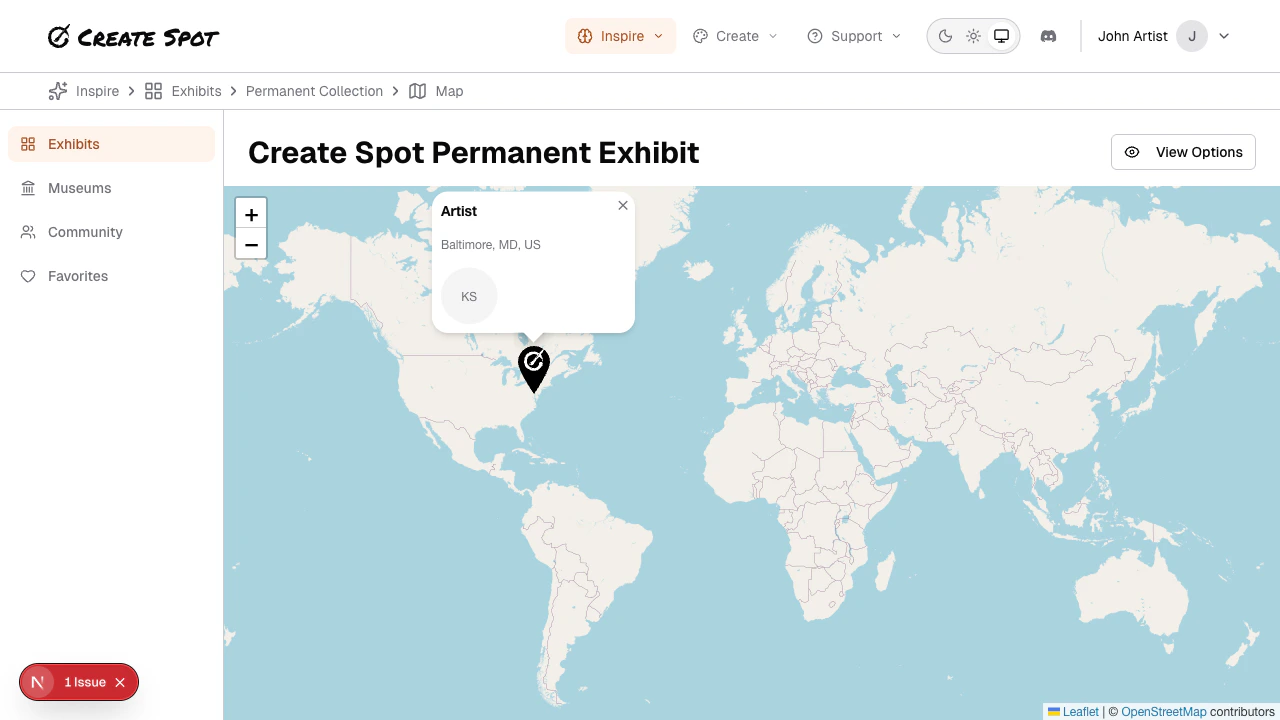
- Map or path — Pieces are placed on a map (e.g. by location) or along a path (e.g. a timeline or story). You navigate by panning/zooming the map or stepping along the path.
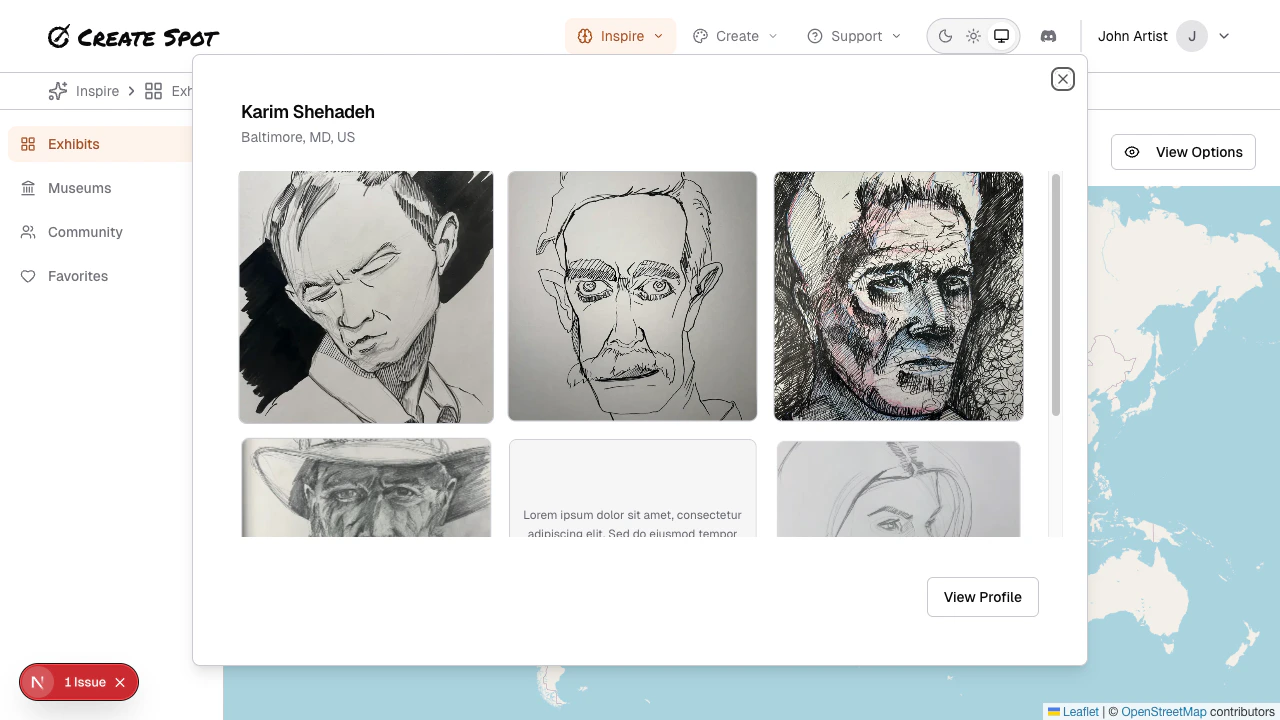
- Each stop shows one submission. Click or tap to view it in detail (lightbox or detail page). You can then go to the next stop or back to the map/path.
- Discovery — This view emphasizes sequence or geography rather than a flat grid, so it can feel more like a walk or a journey through the exhibit.
When Map view is used
Admins enable Map (or Path) view when creating or editing an exhibit. If you see a map or path when you open an exhibit, that exhibit has Map view enabled. See Exhibit View Types for admin configuration.Compared to Grid
- Grid — Many pieces at once; scroll and click. Best for quick scanning.
- Map — One or a few pieces in context; follow the path or explore. Best for a guided or spatial experience.